A birth announcement: choose what each audience needs to know
A message to close relatives and a public announcement do not need to contain the same details. Decide what each audience needs before adding a baby’s identifying information to a design. The result can express the family’s happiness while keeping care logistics and private records in channels intended for those purposes.
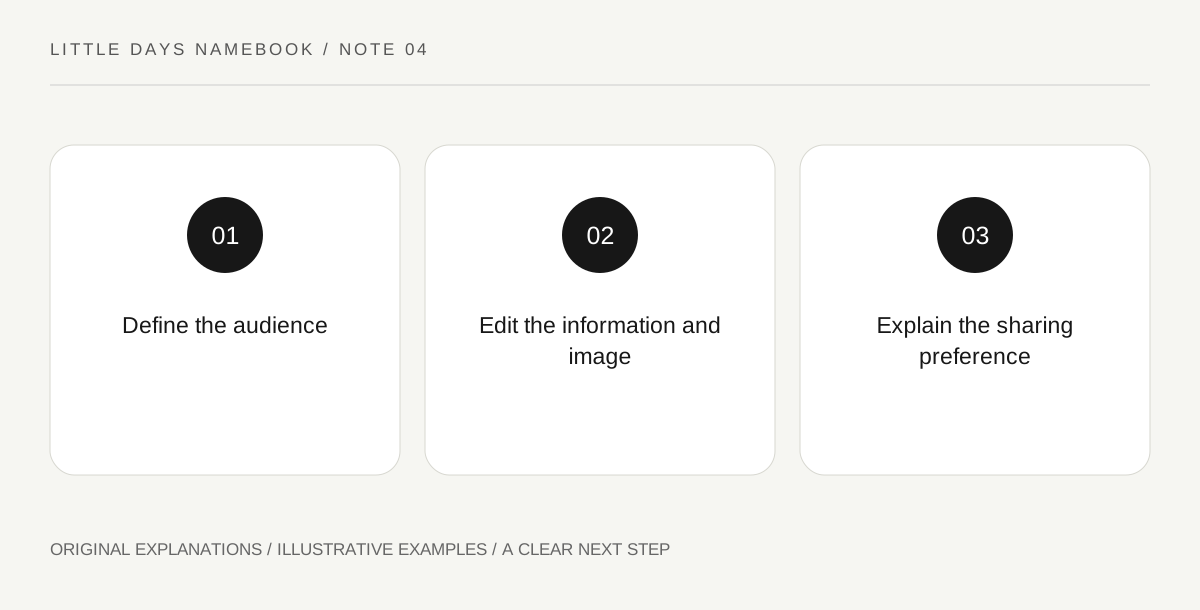
Original explanatory diagram. Read the full method and limitations below.
Begin with the audience, not the template fields
Australia’s eSafety Commissioner advises parents to consider identifying information in children’s photos and posts and to use selective sharing. Use that as a reason to review a birth-announcement template rather than filling every available box automatically. A design may offer spaces for full name, date, location and other details, but an empty field is not a missing obligation. Write who will receive the message and why. The information needed by a care provider belongs in its appropriate private process, not automatically in a celebratory public image.
Make separate message layers
Draft a short public version, a direct family version and any private practical message as distinct documents if you need all three. Do not hide private logistics inside an image that relatives may forward as a keepsake. A public message can celebrate without supplying a complete identity profile. The direct version can still omit details the recipients do not need. This is an original editing exercise, not a claim that one particular field combination makes sharing risk-free. Audience choices reduce unnecessary disclosure while preserving the purpose of the announcement.
Review the photograph as well as the caption
Inspect the background for visible paperwork, labels, screens or location clues that the caption does not mention. A carefully shortened message can still reveal information through its image. Ask permission before including other people and their children. If a photograph is not necessary, use an original illustration or a simple text design instead. The choice should serve the family’s communication, not the assumption that a baby must appear publicly to make an announcement feel complete.
Give recipients a clear forwarding preference
Tell relatives whether the message may be forwarded or posted elsewhere, and be realistic that a private channel cannot guarantee control over every copy. Keep the request simple and consistent across adults sending the announcement. If plans change, update the people who need the new information through the appropriate channel rather than repeatedly expanding the public post. The final check asks whether each detail serves the audience and whether the family is comfortable with the likely sharing path. Happiness does not require every private fact to travel with it.
Illustrative family example
Illustrative editing: parents create a brief public text card and a separate direct message for trusted relatives. They remove a visible paperwork label from the chosen image by selecting another photograph, rather than relying on a short caption. The family message states a no-reposting preference. Appointment and care information stays in the private service records that actually require it.
Questions that come up
Does a private group guarantee that an image will remain private?
No. Recipients may copy or forward it. Choose what to share with that possibility in mind and communicate your preference clearly.
Must the announcement contain a full set of birth details?
A celebratory message is a family communication choice. A template’s fields do not establish that every audience needs every detail.
References and scope
These sources support the factual background. Examples and exercises are original illustrative teaching material. References do not imply endorsement.
- eSafety Commissioner: Privacy and your child — Identifying-information and selective-sharing considerations for children’s images; no guarantee of private-channel control.